
What Is POS Software? Essential Concepts
Understand what POS software is: how it works, components, types, payments and GST, advantages, drawbacks and the retail terms you will meet in Singapore.
 Reviewed by Toi
Table of Contents
- 1Definition: what POS software is
- 2How it works in practice
- 3Components of a POS system
- 4Types of POS software
- 5POS, payments and GST in Singapore
- 6POS, till and ERP: the differences
- 7Advantages of good POS software
- 8Drawbacks and limitations
- 9Glossary of retail terms
- 10How to get started
- 11Explore the products
POS stands for Point of Sale. POS software is the technology that runs the moment of sale in a business: it registers products, calculates the total, processes payment, issues the receipt and updates stock. While many people associate the term with just a card terminal, modern POS software is far broader, connecting transactions, inventory, finance and increasingly the online sales channels. This glossary explains what POS software is, how it works, its components and types, and the retail terms you will encounter in Singapore.
The aim is to give a conceptual foundation for better decisions — whether you are opening a new business or modernising an existing operation.
Definition: what POS software is
POS software is the combination of software (and usually hardware) that executes and records a sale at the point of service. It turns the manual process — writing, totalling, giving change and tracking stock in a notebook — into a fast, traceable digital flow. With every sale, the system deducts the item from stock, records the payment method, issues the receipt and feeds the reports. It is, in practice, the operational heart of a retail or F&B business.
How it works in practice
Picture a sale at the counter. The operator identifies the product (by barcode scan or search), the system totals the items and applies any discounts or promotions. The customer chooses a payment method — cash, PayNow, card or e-wallet — and the system processes the transaction. It then issues the receipt, updates the product's stock, and records the sale into reports and the cash-up. All in seconds.
Components of a POS system
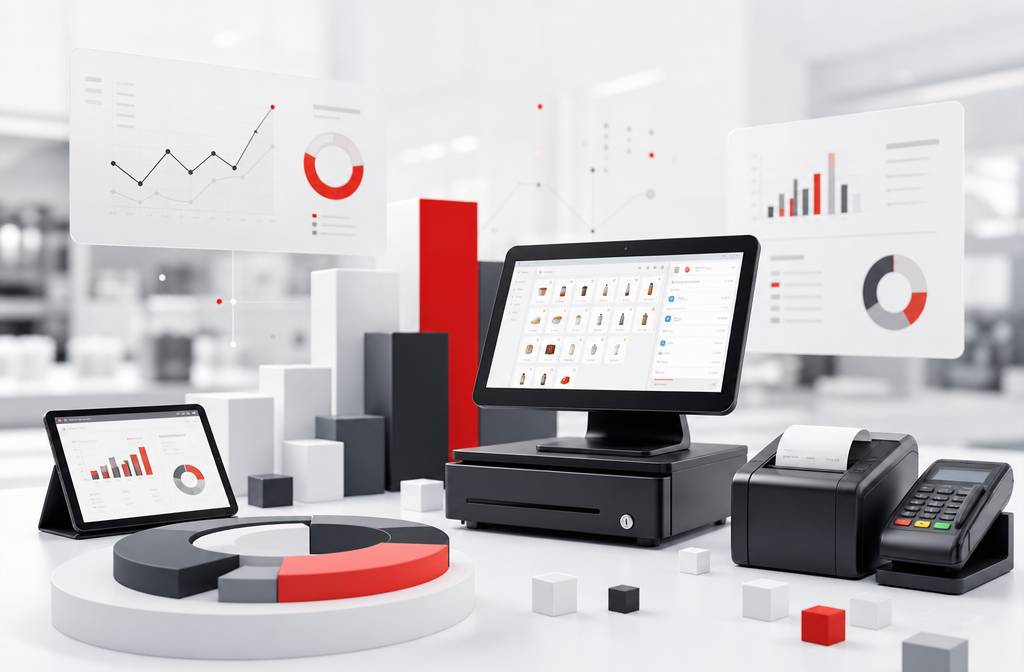
A POS system combines software and hardware. The software is the brain: product catalogue, stock control, pricing rules, tax handling and reporting. The hardware is the body: a terminal (computer, tablet or smart device), barcode scanner, receipt printer, cash drawer and the payment device. The mix varies with the size and vertical of the business.
- POS software: sales recording, stock, tax and reports
- Terminal: computer, tablet or smart POS device
- Barcode scanner: speeds up item entry
- Receipt printer: receipts and proofs of sale
- Cash drawer: organises physical cash
- Payment device: processes cards, PayNow and e-wallets
Types of POS software
There are different categories of POS, and understanding the differences avoids overpaying or being limited. The table summarises the main types and who they suit.
| Type|Description|Best for |
|---|
| Cloud POS|Software accessed online, data in the cloud|Most businesses today Local (desktop) POS|Installed on the shop computer|Operations needing full internet independence All-in-one app|Simple POS on a smart device|Small and lean operations Vertical POS (F&B/fashion)|Vertical features (tables, variants)|Restaurants and fashion shops Retail platform / ERP|Full, multi-outlet management|Chains and larger retailers |
POS, payments and GST in Singapore
In Singapore, selling involves accepting modern payments and handling tax correctly. PayNow has become widely expected alongside cards and e-wallets. A good POS integrates these payment methods, handles GST where applicable, and can issue compliant tax invoices that integrate with accounting. Confirming payment coverage and GST handling is essential before you commit.
POS, till and ERP: the differences
These terms overlap but are not synonyms. The "till" or front-of-house screen is where the sale is registered — a part of the POS. "POS software" is the whole that operates and records the sale, including stock. "ERP" (Enterprise Resource Planning) is a broader management system that integrates finance, purchasing and inventory, and may include the POS itself. Small businesses may only need a POS; as the operation grows, an ERP centralises management and the POS becomes one of its modules.
Advantages of good POS software
Well-chosen POS software speeds up service, reduces keying and change errors, keeps stock accurate and automates tax and reporting. It also produces reports that reveal best-sellers, peak hours and preferred payment methods — information that guides purchasing, promotions and staffing. By integrating with e-commerce, it further unifies the physical and online operation, avoiding stock-outs and double selling.
Drawbacks and limitations
It is worth knowing the other side. Cloud POS depends on the internet — which is why offline mode matters. Very simple systems (all-in-one apps) can have limited stock control and reporting, requiring migration as the business grows. Robust platforms have a learning curve and higher implementation cost. And there is the recurring cost: the software subscription plus payment transaction fees, which need to be assessed together so they do not erode the margin.
Glossary of retail terms
These are the terms you will most often meet when researching POS software in Singapore.
- PayNow: real-time payment widely used in Singapore
- SKU: unique code identifying each distinct item
- Stock-out: lack of product available to sell
- Average cost: weighted average cost of units in stock
- Cash-up: reconciliation of cash and transactions at close
- Omnichannel: integration of online and physical channels
- Multi-outlet: managing several stores in one system
- GST: goods and services tax handled at the point of sale
How to get started
If you are evaluating POS software, start by mapping your operation (outlets, tills, vertical, channels), define your inventory and payment requirements, and model the total cost — software, hardware and transaction fees. Then compare options by fit to your profile and trial support. This process turns an impulsive decision into a solid, defensible choice.
Explore the products
Recommended Services
Lightspeed Retail
Lightspeed Retail is a cloud POS and retail management platform for multi-location retailers with deep inventory and reporting.

Shopify POS
Shopify POS unifies in-store and online selling for merchants already on or adopting Shopify e-commerce.
Square POS
Square POS is an all-in-one point-of-sale platform for retail and F&B with integrated payments, inventory, and analytics.
StoreHub
StoreHub is a Southeast Asia cloud POS for retail and F&B SMBs with inventory, loyalty, and e-commerce integration.
Toast POS
Toast is a restaurant-specialised POS platform with kitchen display, online ordering, and F&B operations tools.
Feature Comparison
| Products | Pricing | Advanced inventory & catalogue | Purchase order management | Multi-location & omnichannel | Built-in analytics | Integrated payments | Official Website |
|---|---|---|---|---|---|---|---|
| Subscription from ~USD 89/mo + payment fees | ✓ | ✓ | ✓ | ✓ | ✓ | Official Website | |
| Included with Shopify plans; POS Pro add-on per location | — | — | — | — | — | Official Website | |
| Free plan; per-transaction fees; paid tiers from ~USD 60/mo | — | — | — | — | — | Official Website | |
| Subscription; contact StoreHub for plans | — | — | — | — | — | Official Website | |
| Custom quote; hardware + per-transaction fees | — | — | — | — | — | Official Website |
Frequently Asked Questions
IT Trend Editorial Team
We are a team of technology experts dedicated to helping businesses find the right software solutions. Our editorial team reviews, compares, and evaluates B2B SaaS products across multiple categories to provide unbiased, data-driven recommendations.
About our editorial team →Related Articles
Best POS Software in Singapore: Comparison
Compare the best POS software in Singapore: Square, Lightspeed, Shopify POS, Toast and StoreHub. Features, pricing, fit by business type, pros and cons.
How to Choose POS Software in Singapore: A Practical Guide
A practical guide to choosing POS software in Singapore: map your operation, define inventory and payment needs, offline mode, integrations and a selection checklist.